Feature
Street & Yard Signs
Operationalize sign programs end-to-end with visibility, speed, and accountability in the field.
What You Can Do
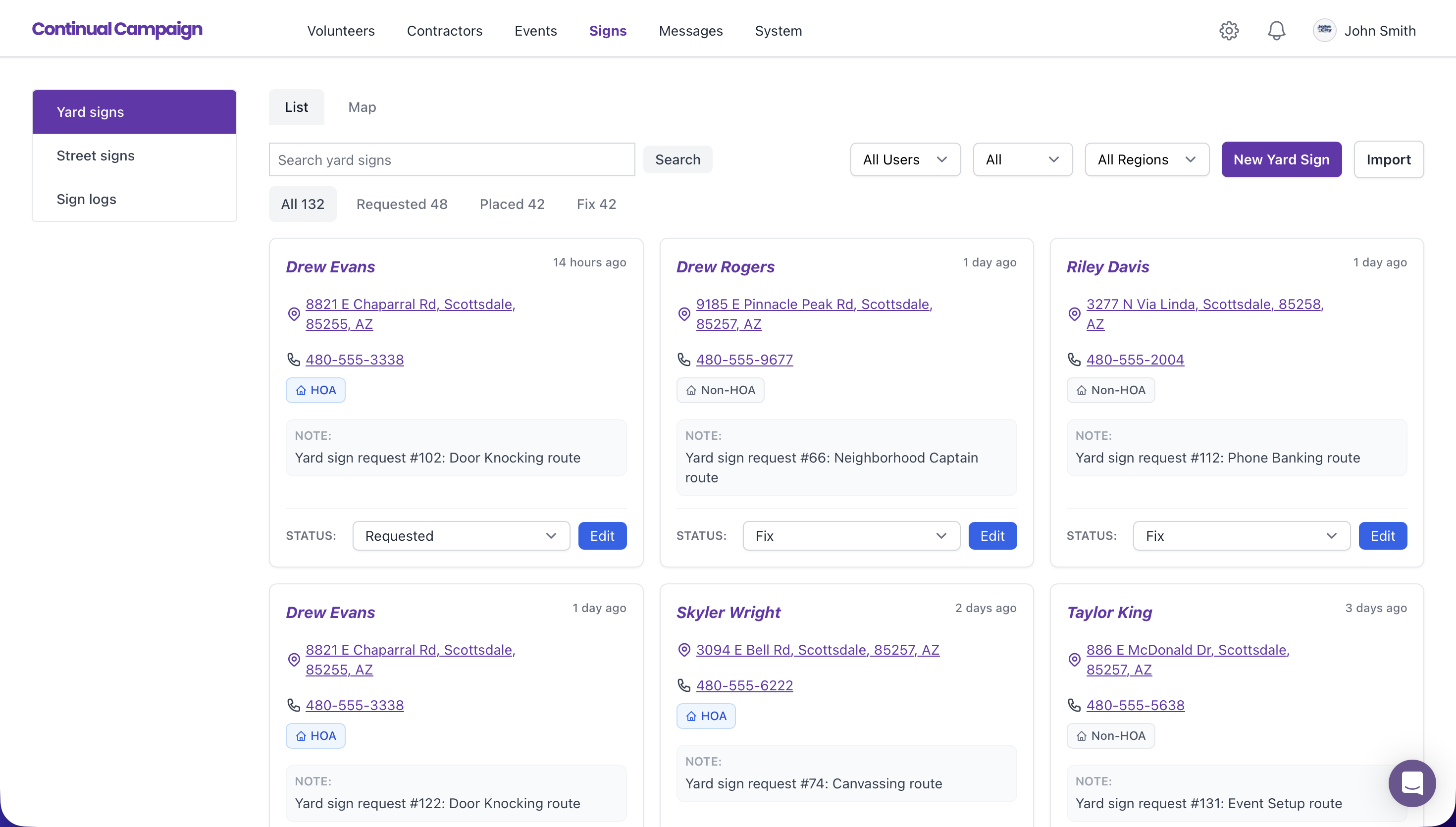
- Capture sign requests and queue them for action.
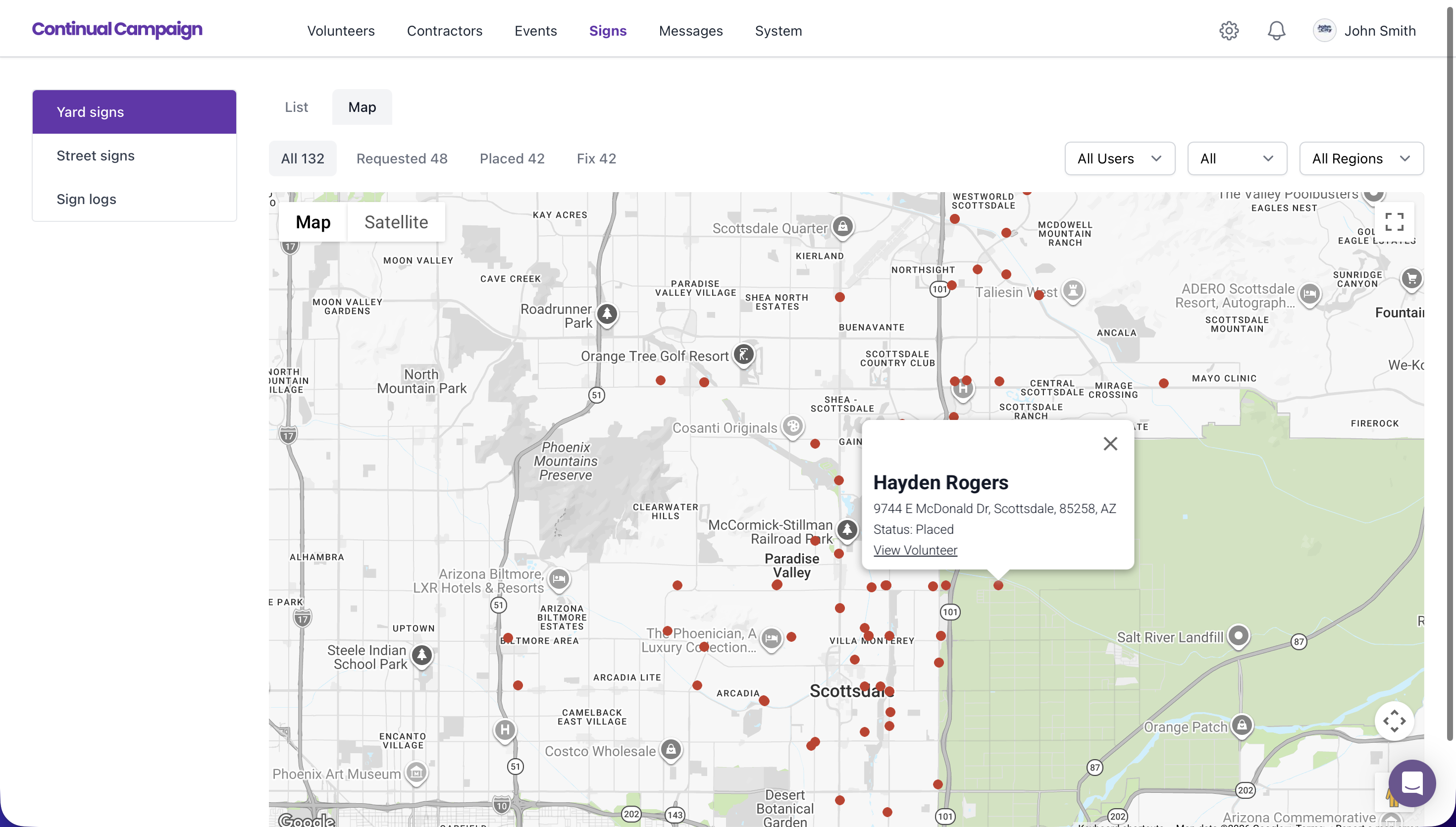
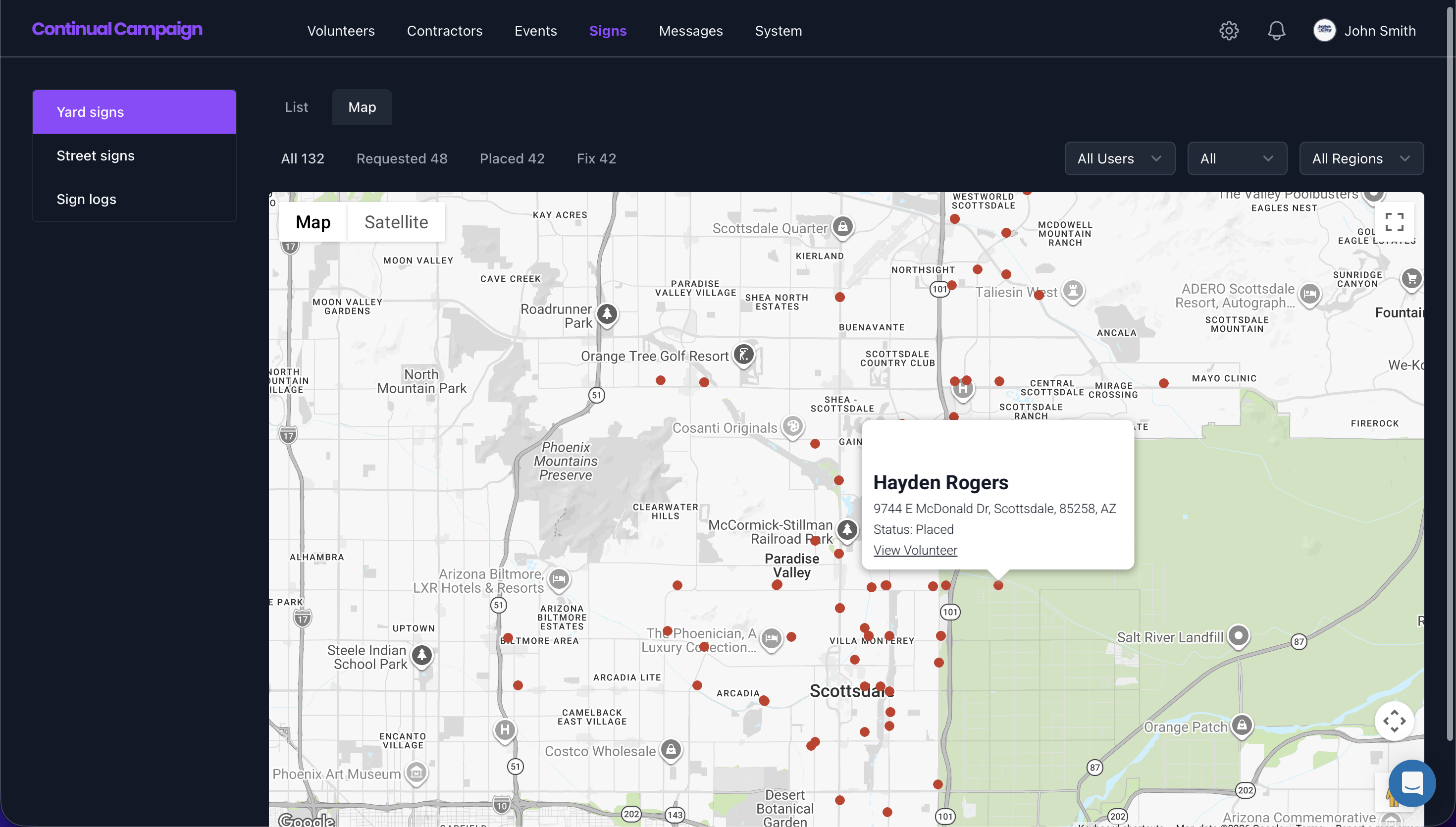
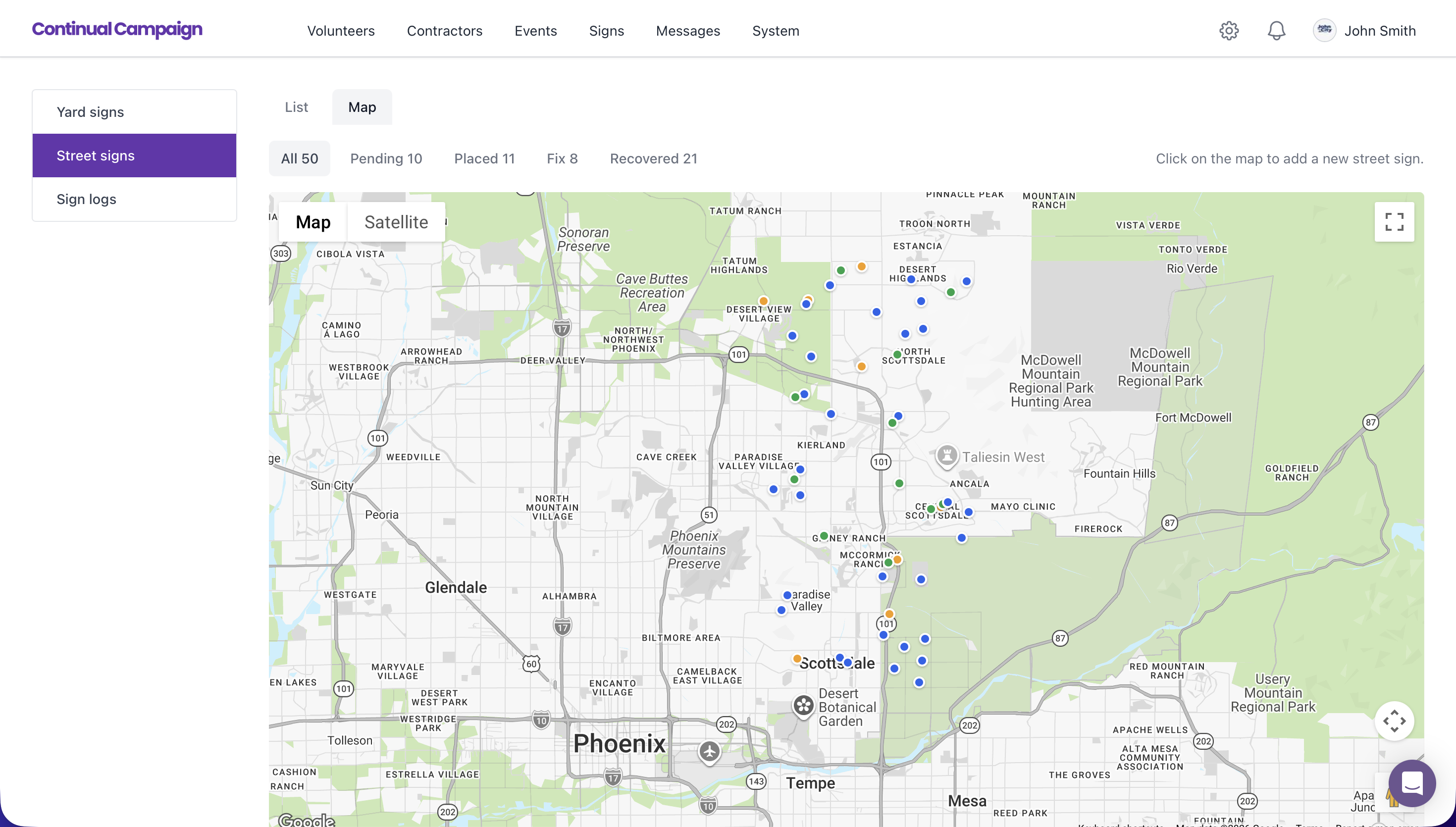
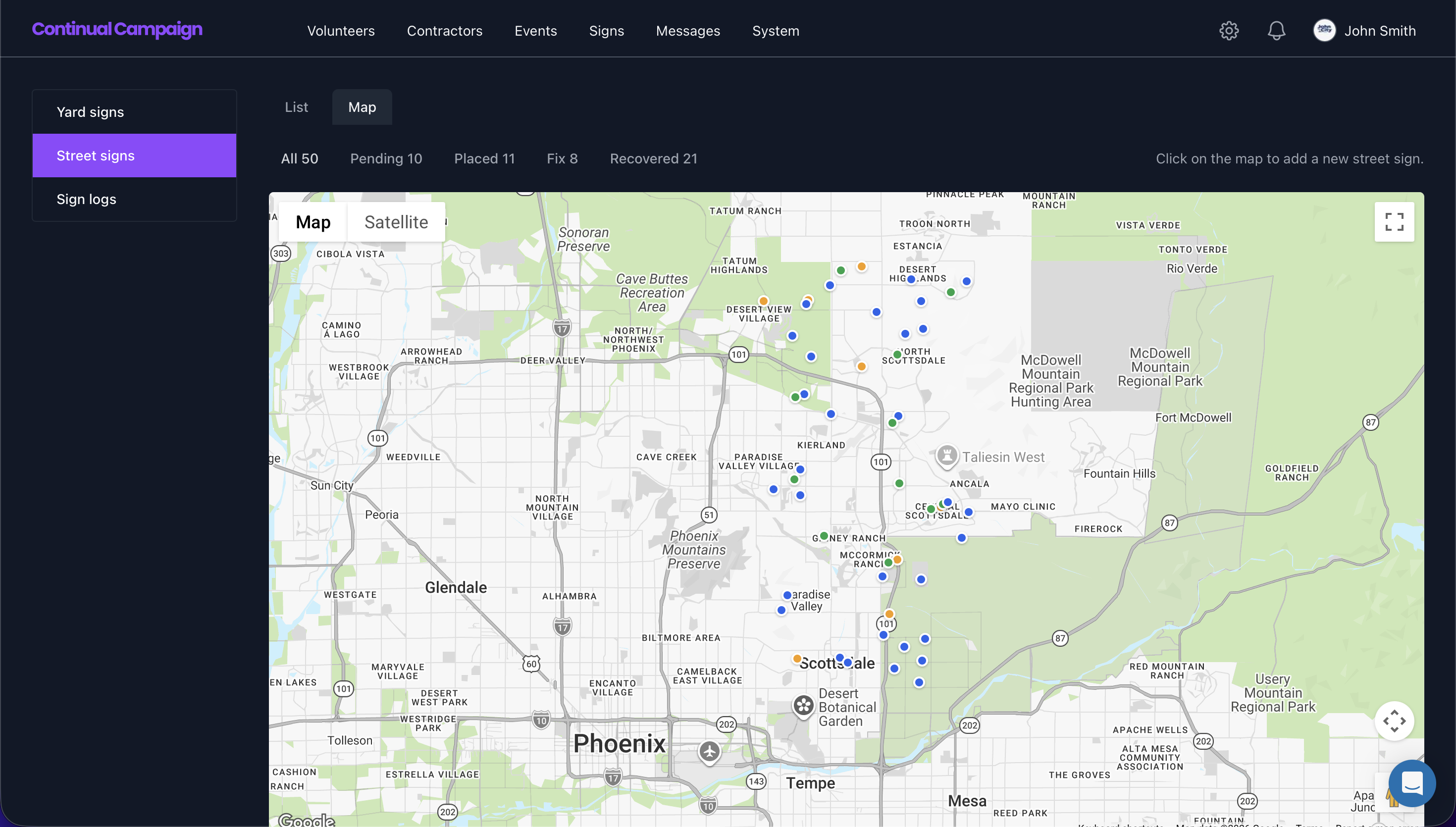
- Track street and yard sign status across the lifecycle.
- Use map/list operations to prioritize team assignments.
- Use Regions and ZIP code filters to auto-assign work and route tasks to the right team.
- Log placement, fix, and recovery outcomes.
Campaign Benefits
- Increase sign coverage with better request routing.
- Reduce field confusion and duplicate work.
- Automate assignment and filtering by region and ZIP to improve field efficiency.
- See where signs are active, missing, or need attention.
- Improve budget efficiency with clearer inventory operations.
1. Intake
Receive and organize sign requests by location and urgency.
2. Deploy
Assign field actions and monitor placement progress in real time.
3. Maintain
Track fixes and recovery to maintain a strong visual footprint.
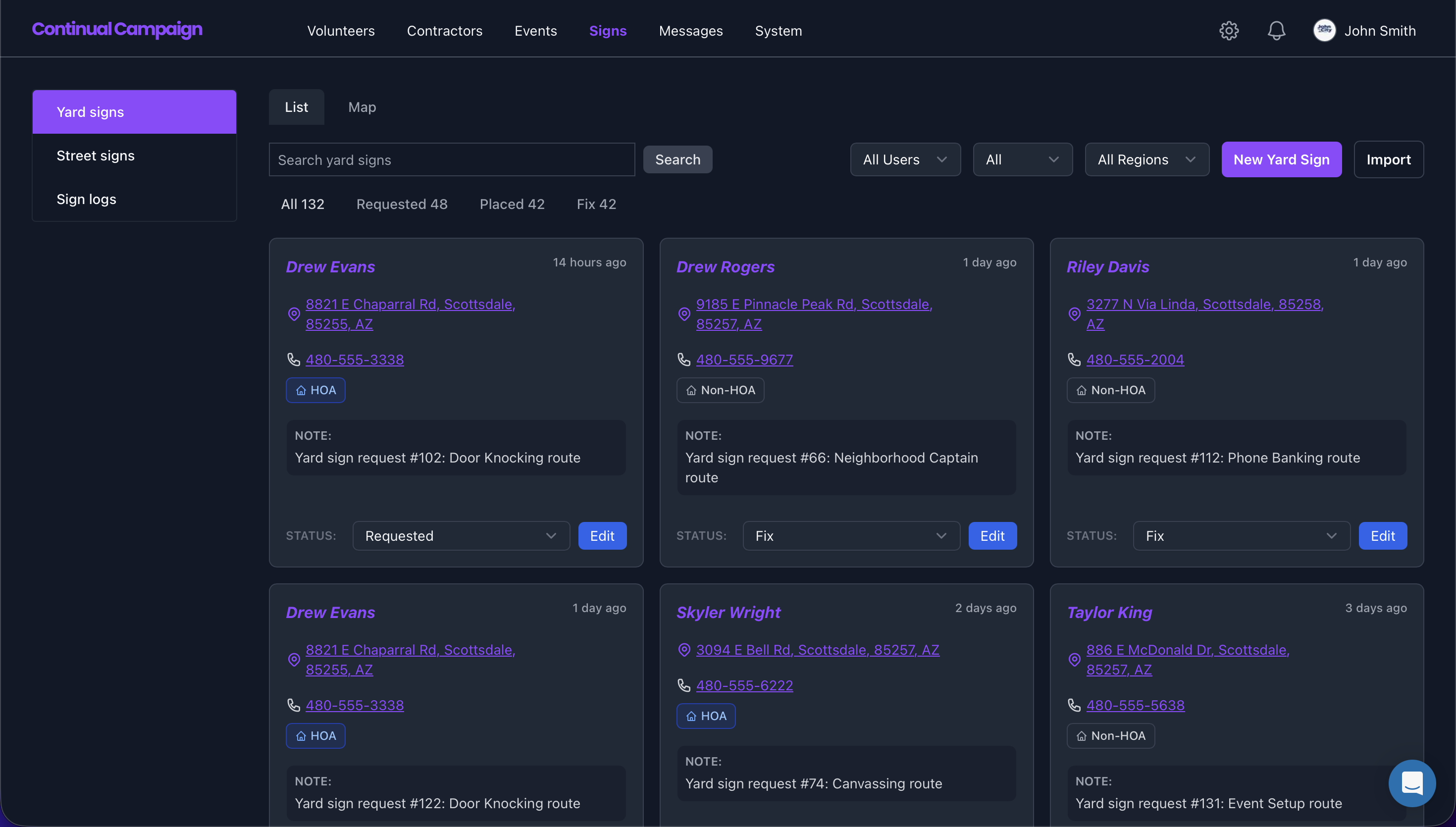
Example Screens
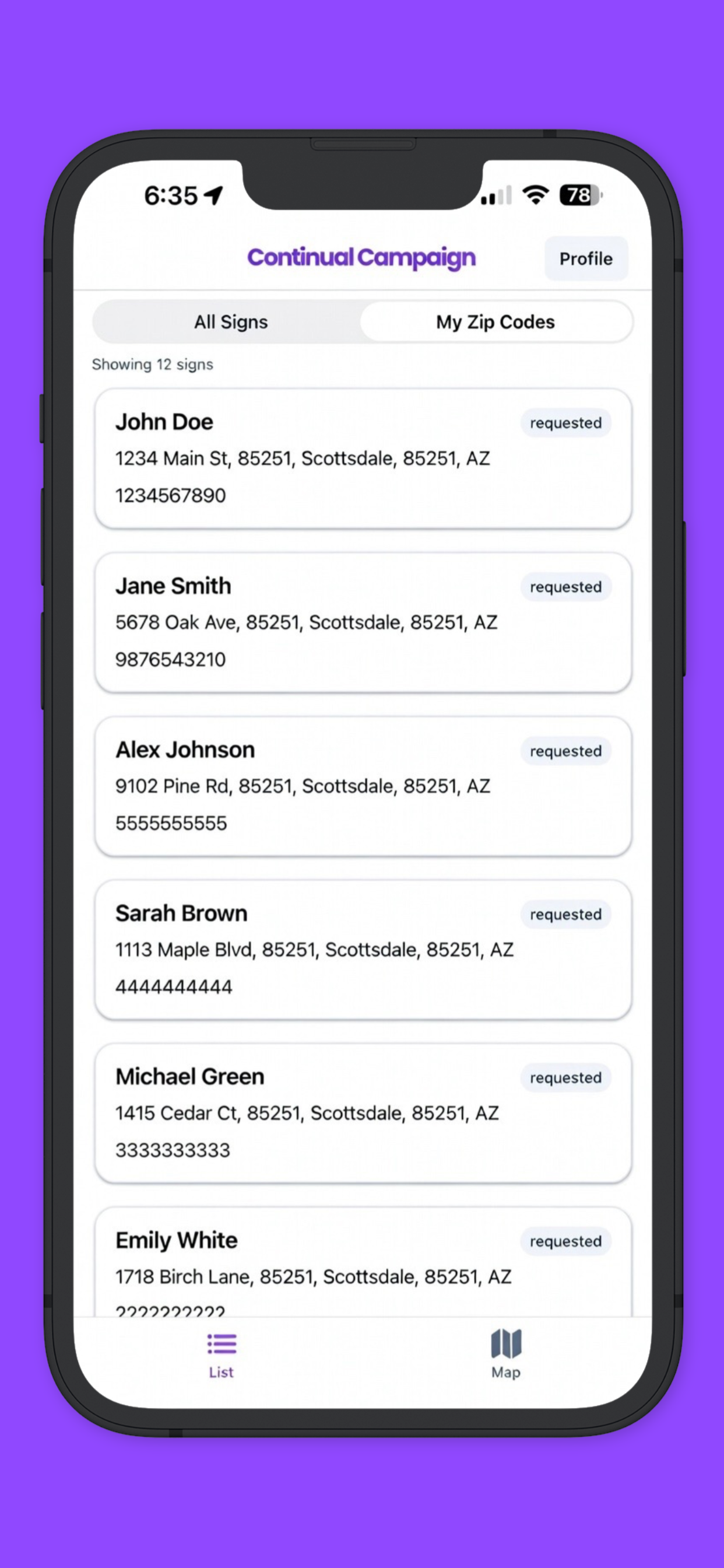
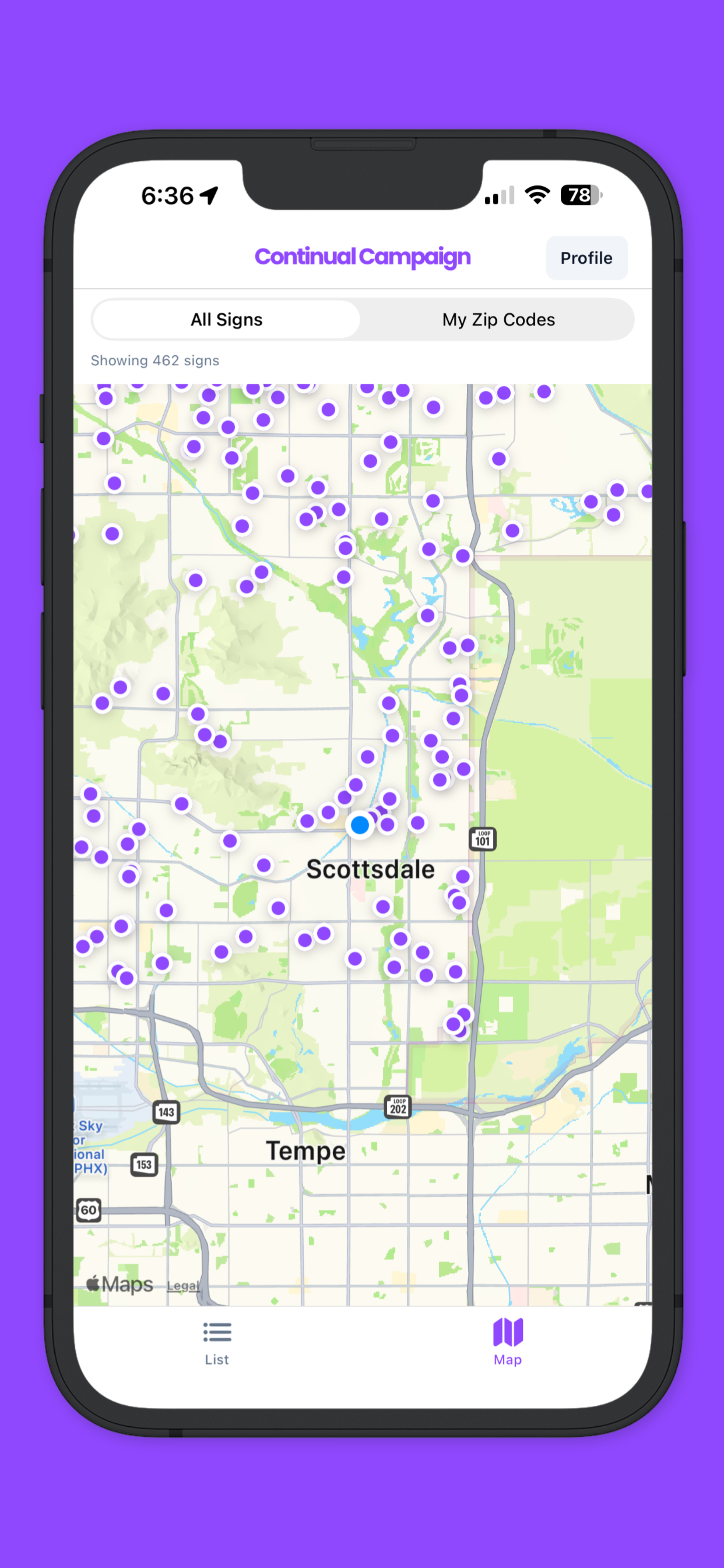
iOS & Android Field App
Give field workers a simple mobile workflow for distributing yard signs and placing street signs. The app shows the exact address, contact details, assignment notes, and turn-by-turn directions, so teams can move faster with fewer mistakes.
- Clear assignment details: location, requested sign type, and delivery notes.
- Built-in directions to each stop for faster route execution.
- One-tap status updates when a yard sign is delivered or a street sign is placed.
- Instant sync back to Continual so campaign staff always sees current field progress.